When clicking on the '+' sign on the left of a chart, the top ten of the chart is expanded:
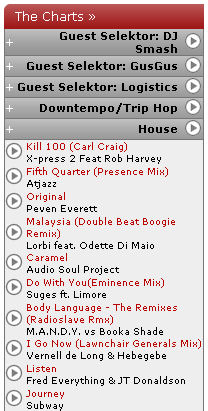
As you can see, on the left of each track is a  . By clicking on it, a new windows with a music player opens and the track starts to play. By clicking on the name, you get to the detail page of the release which offers some new features as well, extending the already existing functionality.
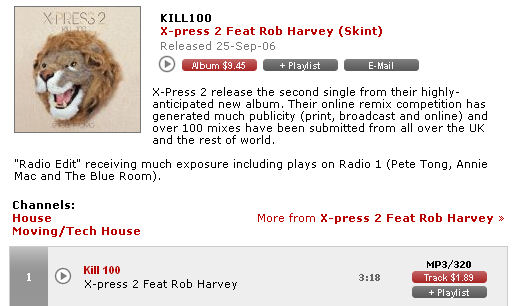
For all new content, the release date is now shown. The  left to the album price adds all tracks from the release to the music player.
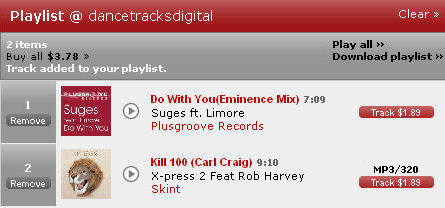
  right to the album price adds the whole release to your personal playlist which you can access under My Playlist. This feature has also been added for single tracks in case you don't want the whole release to be added. The playlist is a very powerful toy - as long as you don't remove the added tracks, they are saved even when you sign out. This gives you the freedom to listen to them later - or from a different computer.